 |
New: the hottest jobs on WhatsApp Some jobs won’t wait until 2pm.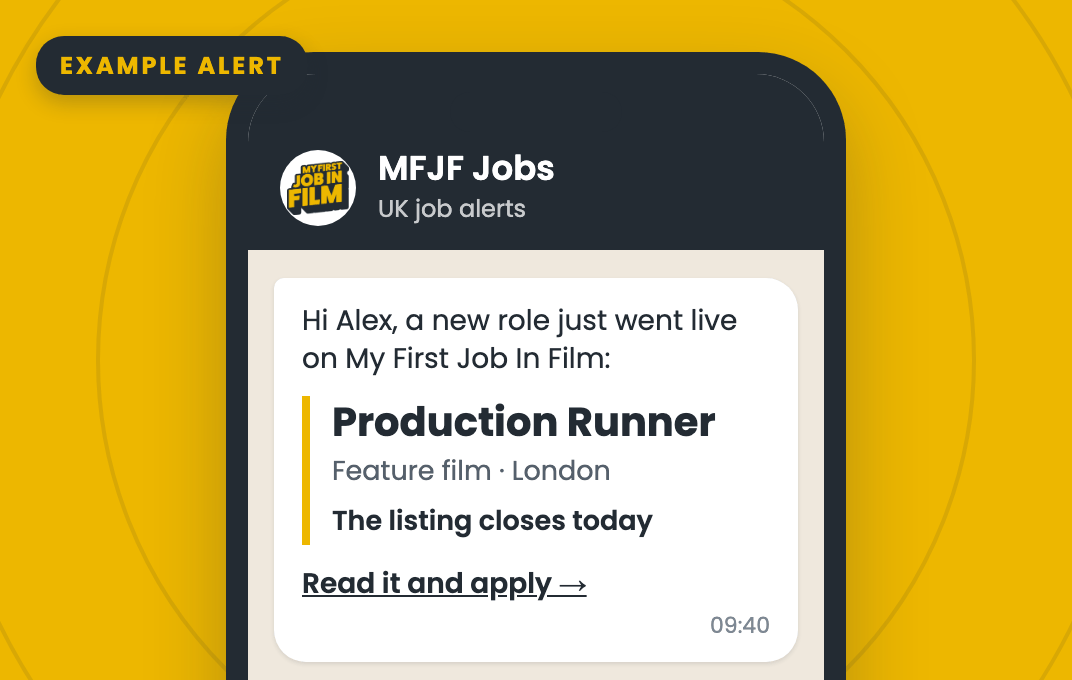 An example alert. Real alerts show the role’s own details. The hottest jobs don’t wait for the Daily Job List. So we’re launching WhatsApp job alerts: when a role comes in with a tight deadline, our team checks it and sends it to your WhatsApp. To get them, we need your mobile number on your profile. Already added one? Check it’s the number you use now.
It goes in Contact Number, under Personal details on your profile. An example dayHow to add your number
The Daily Job List isn’t going anywhereYou’ll still get the Daily Job List every weekday from 2pm. WhatsApp is for roles with a tight deadline that need a quick response.
Changed your mind? Reply STOP to any WhatsApp alert and the alerts stop. Your emails won’t change.
|
 My First Job In Film The largest community of new filmmakers in the UK Click here to unsubscribe from this list Copyright © 2026 My First Job In Film - All rights reserved |